Figma plugin2024–2026
Markdown to Figma
A Figma plugin that turns Markdown into clean, editable layers, so written documents reach design files without retyping.
- Role
- Design and development, solo
- Timeline
- 2024, updated in 2026
- Stack
- TypeScript, React, markdown-it, Figma Plugin API
- Users
- 1.4k on Figma Community
01 Context
Text is written outside Figma
Specs, release notes and research summaries usually start in a text editor, a ticket or a chat. Sooner or later they have to appear in a design file, next to the screens they describe.
02 Problem
Copy and paste gives you symbols, not structure
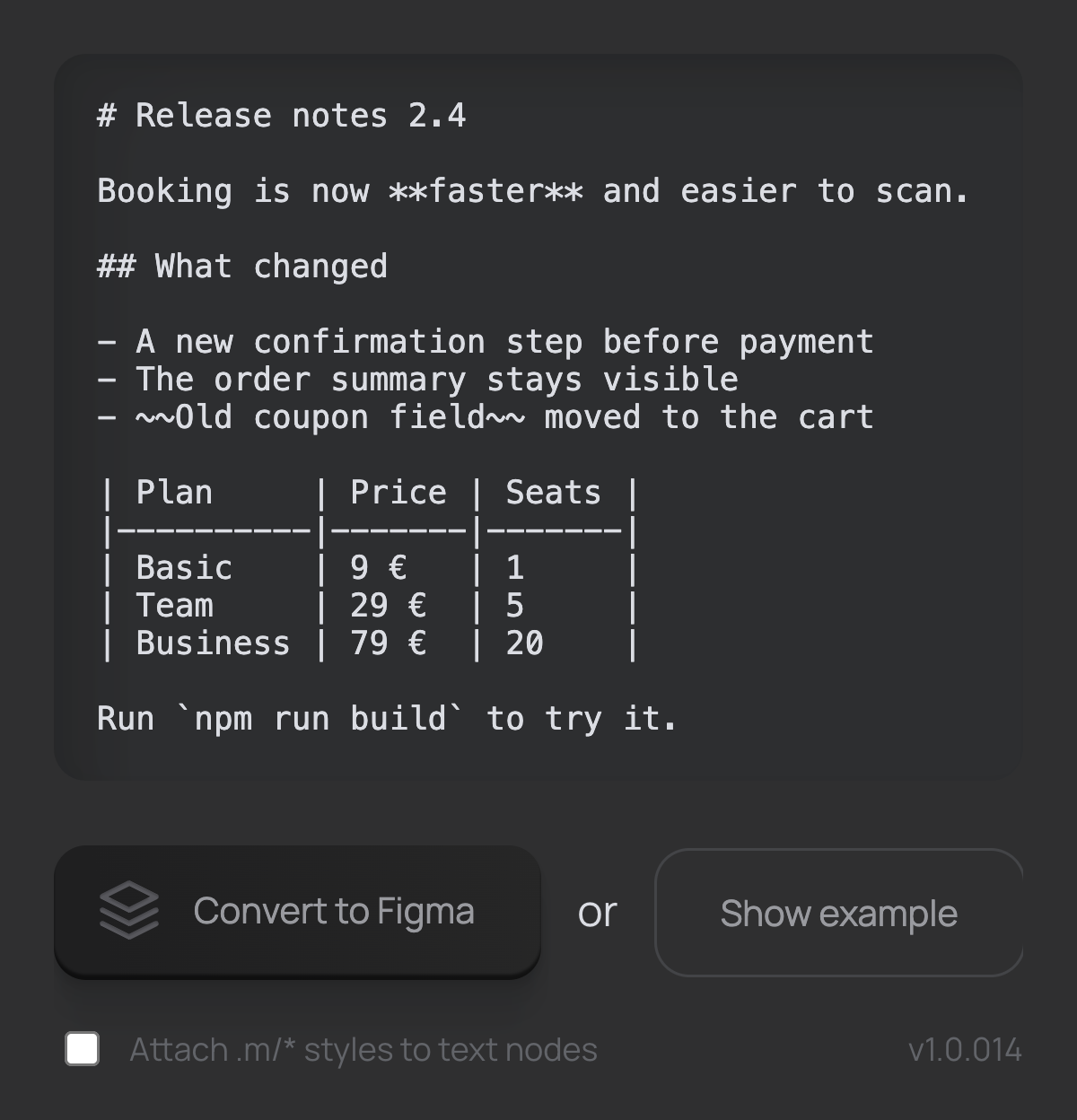
Pasting Markdown into Figma gives one text layer full of hashes, asterisks and pipes. Making it readable meant retyping headings, styling lists by hand and rebuilding every table from rectangles.
03 Solution
Paste, convert, edit
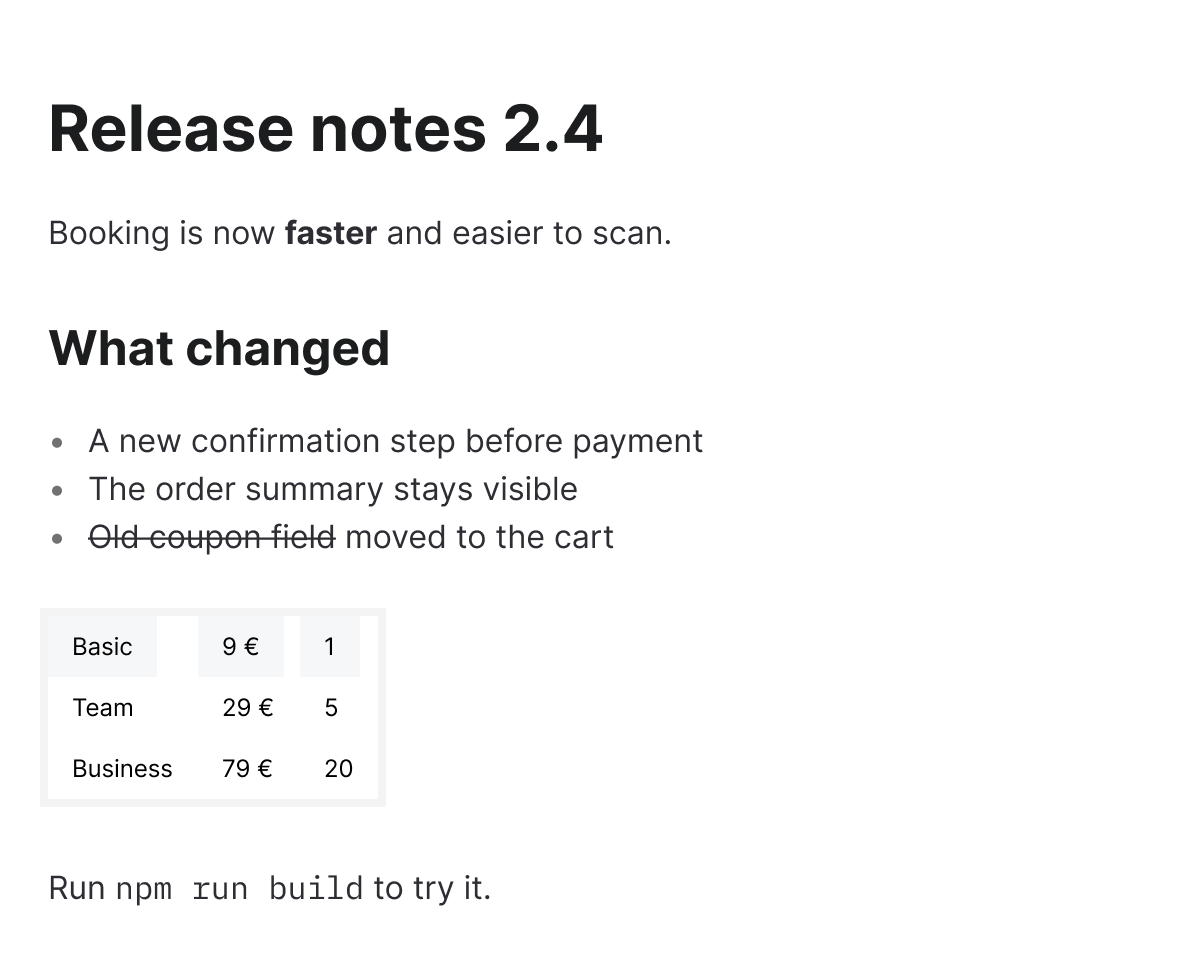
The plugin is one text field and one button. Paste Markdown, press Convert to Figma, and a new frame appears in the middle of the screen. Each block becomes its own auto layout frame, so changing the width of the frame reflows everything.
- Headings H1–H4 and paragraphs
- Ordered and unordered lists
- Bold, strikethrough, links and inline code
- Code blocks and horizontal rules
- Tables
04 Styles
One style change updates every document
With one option the plugin attaches text styles named .m/markdown_h1, .m/markdown_paragraph and so on. Edit a style once and every converted document in the file follows. The dot keeps these styles private to the file, so they never clutter a shared library.
05 Tables
Built as columns, not rows
Markdown describes tables row by row. The plugin reads all rows first, then builds the table column by column. In Figma that means each column has its own width, which is how you adjust a table by hand. Every column starts as wide as its longest cell.
06 Process
Written by hand, extended with an agent
The first version was written by hand in 2024: React for the panel, markdown-it for parsing and the Figma Plugin API for the layers. In 2026 I came back to it with Claude Code and added code blocks, inline code, horizontal rules and a better text layout.
07 Published
Used by 1.4k people
The plugin is free on Figma Community. It now has 1.4k users and 31 likes.
Open the plugin page ↗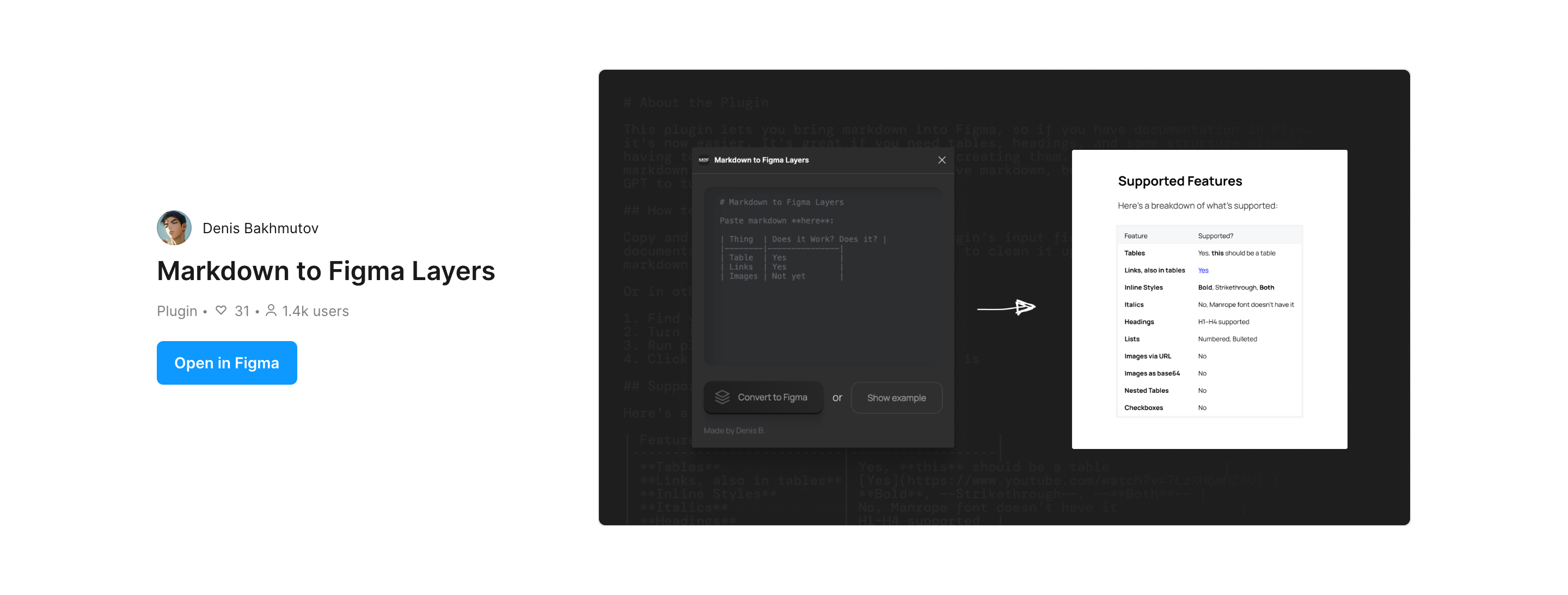
08 Next
What is still missing
Images, italics and nested tables are not supported yet. Images are the next step, because screenshots are what I most often paste next to text.