Terminal app2026
agtop fork
A terminal monitor for AI coding agents, reworked around one question: which session needs me right now?
- Role
- Design and development, solo
- Timeline
- Two days, October 2026
- Stack
- Python, Textual, AppleScript, Swift
- Based on
- agtop by lhead
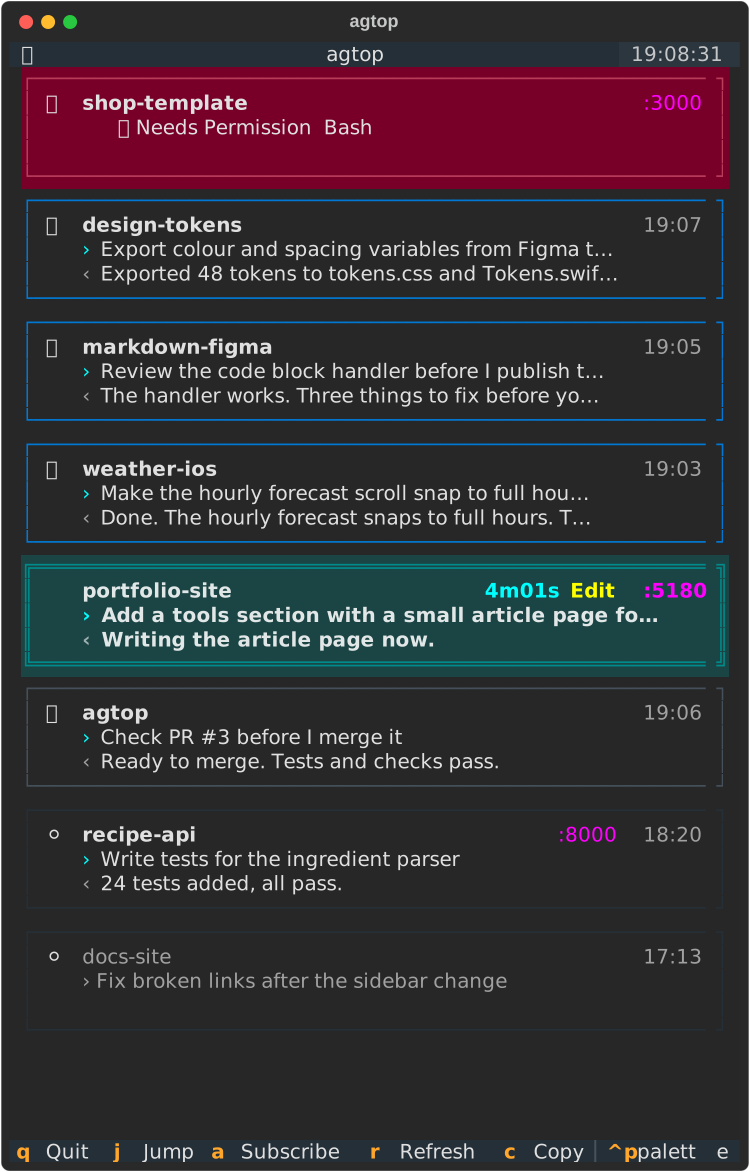
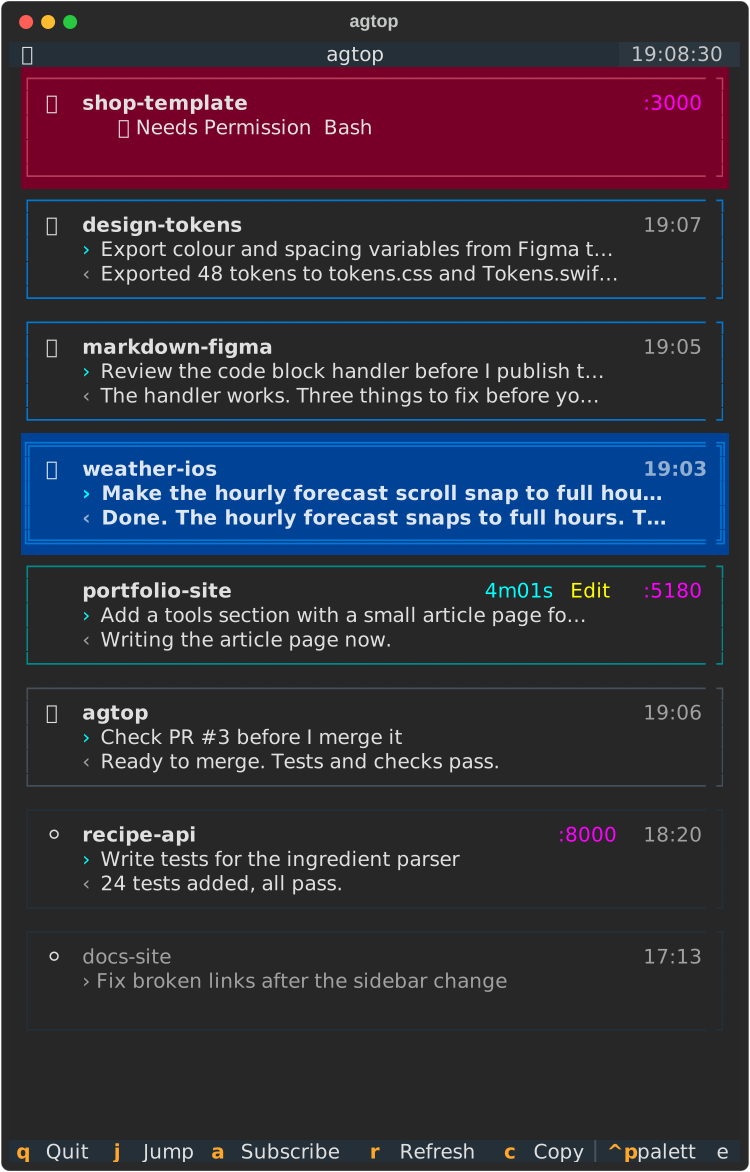
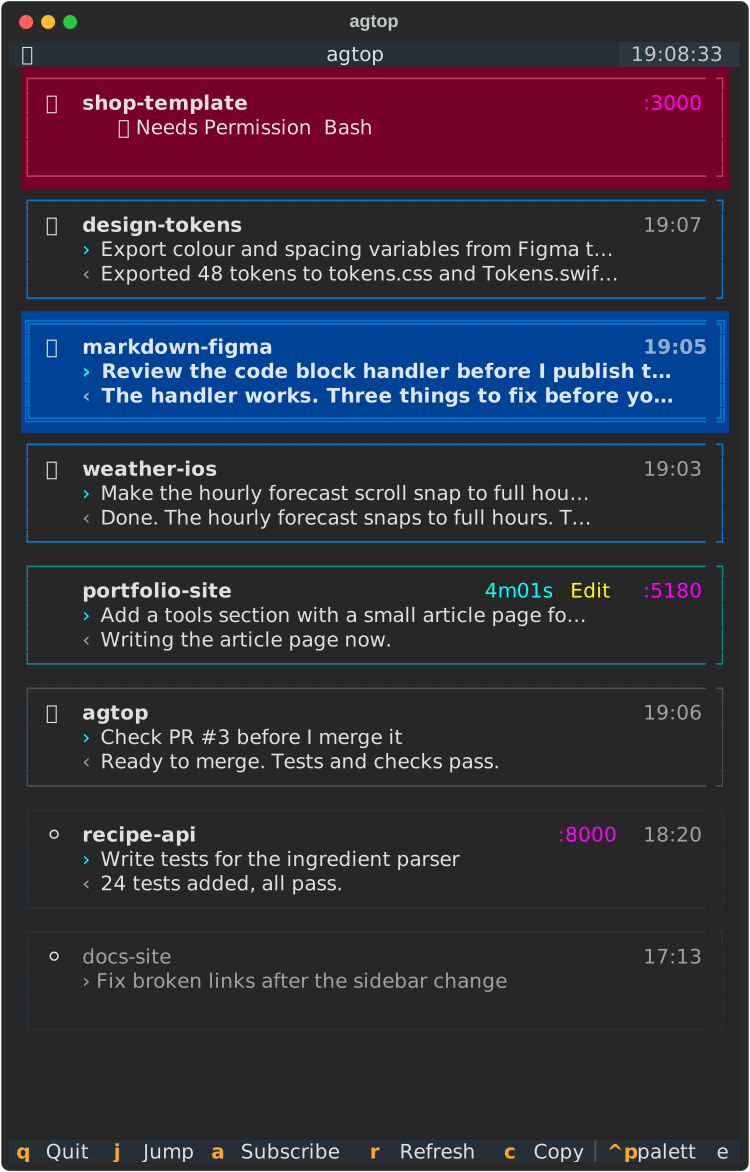
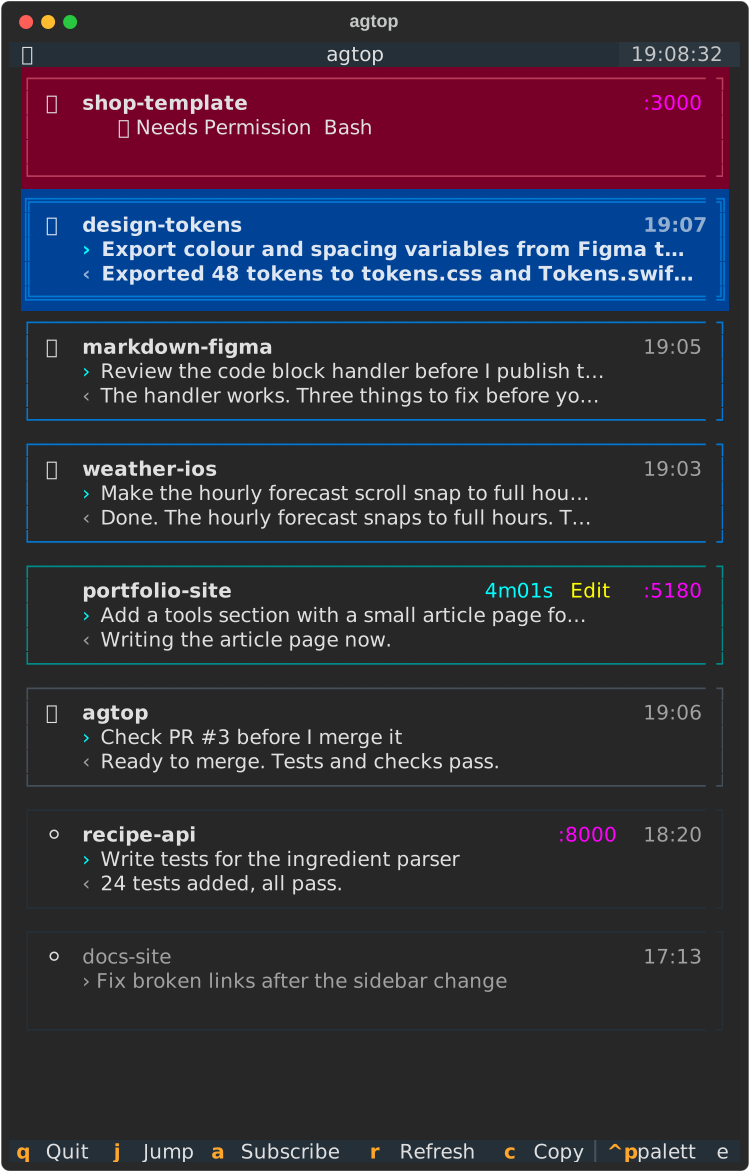
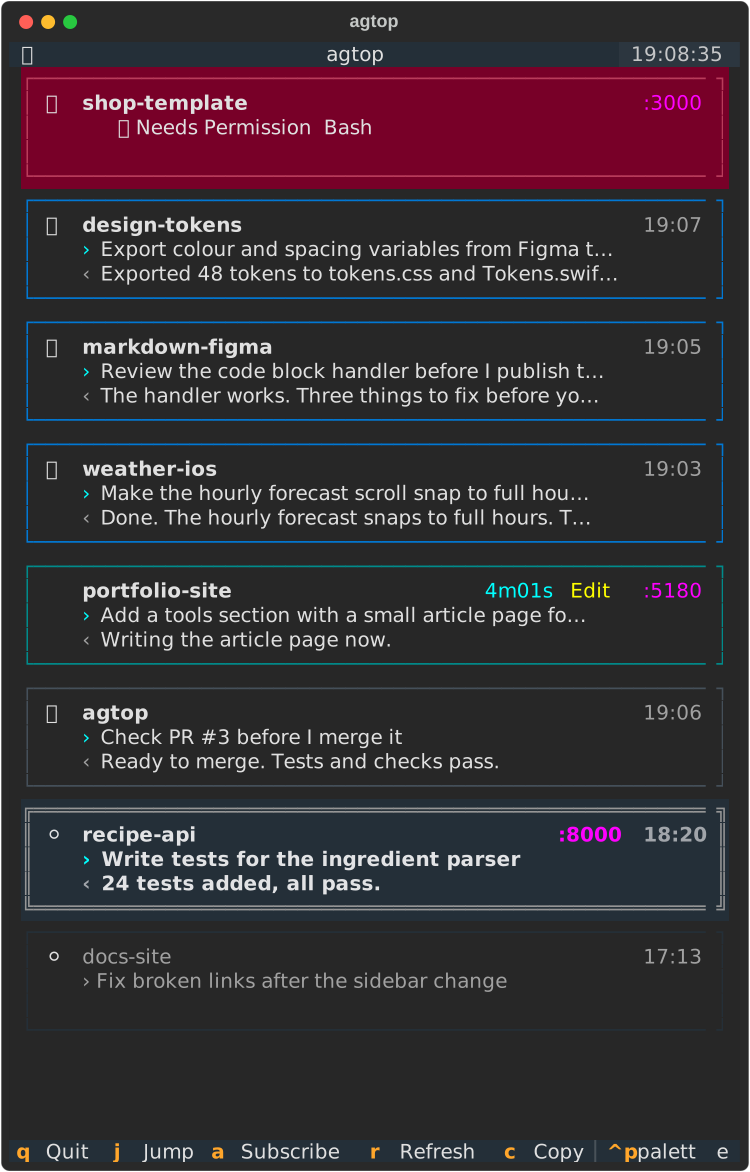
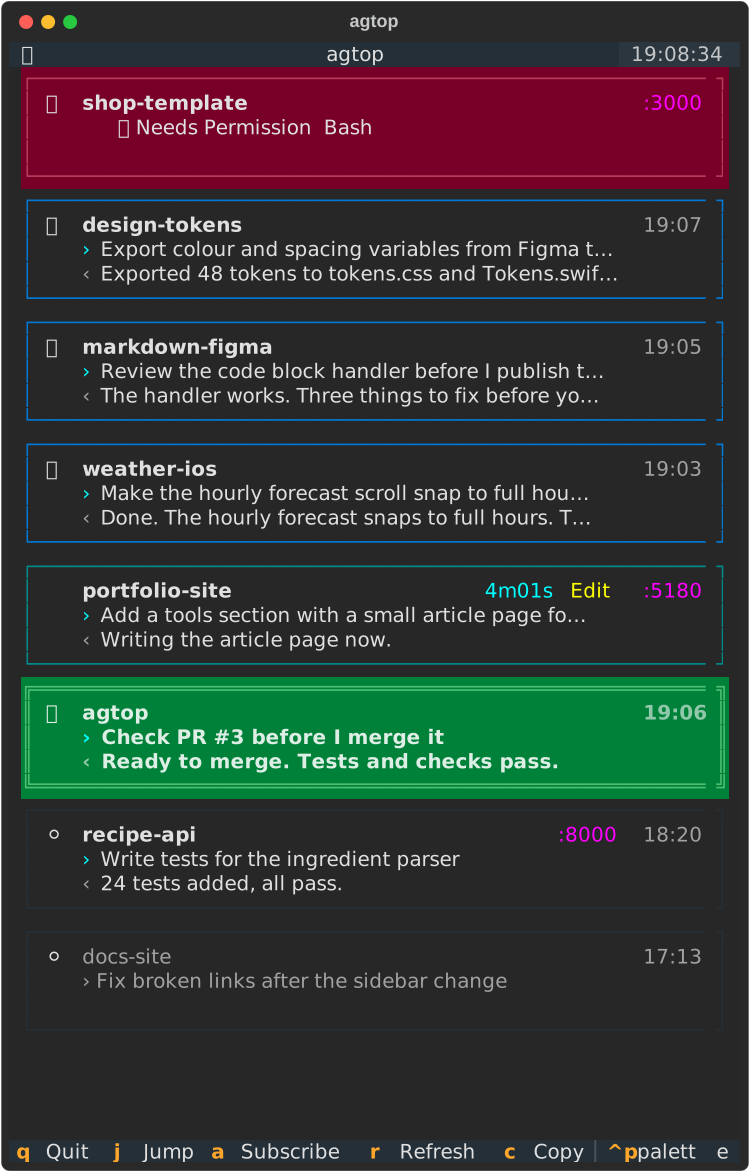
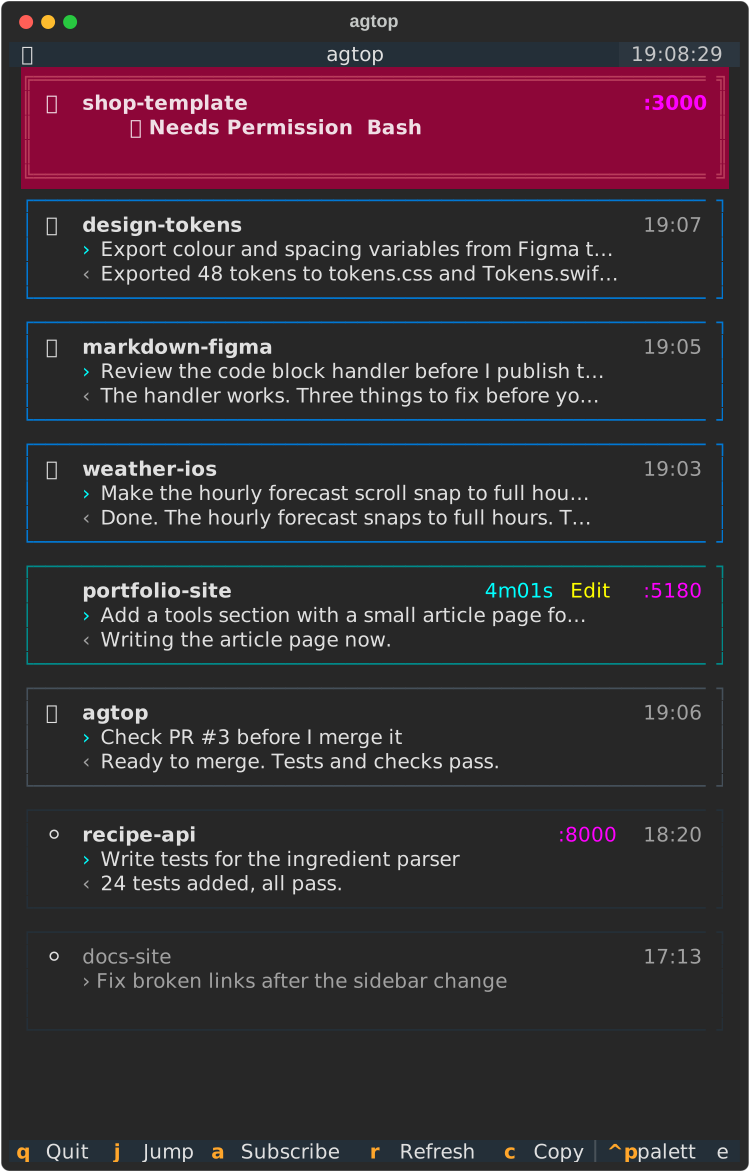
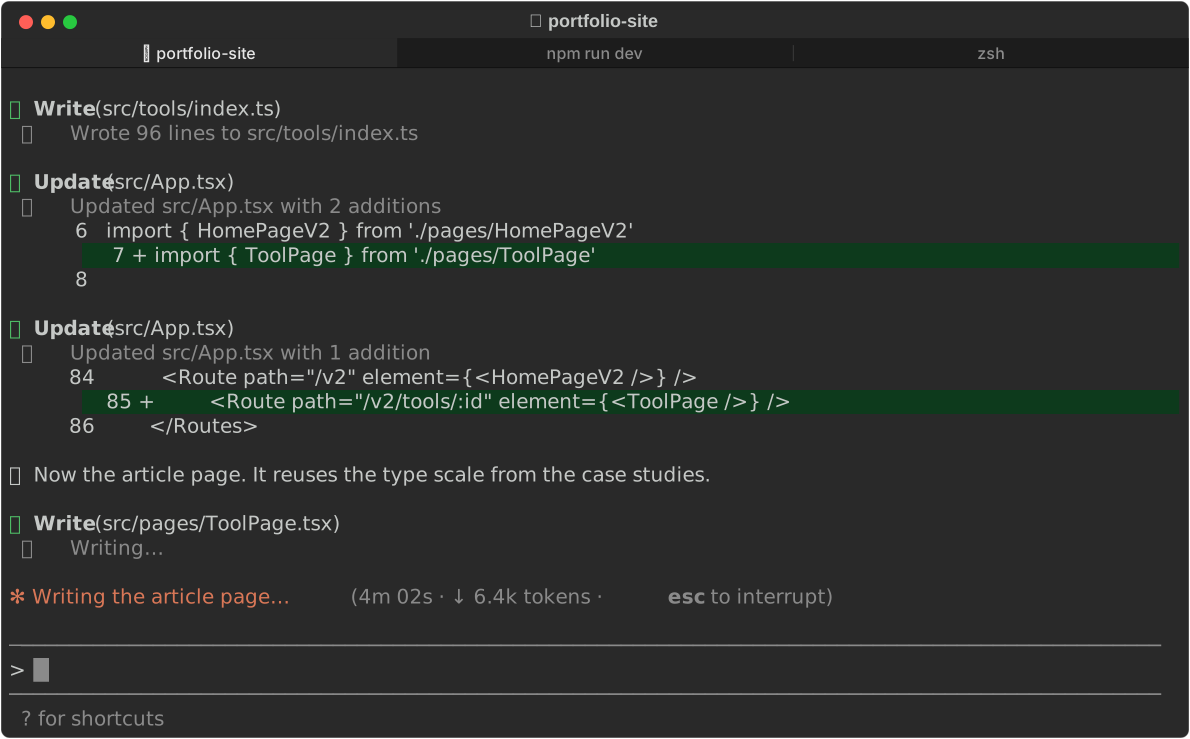
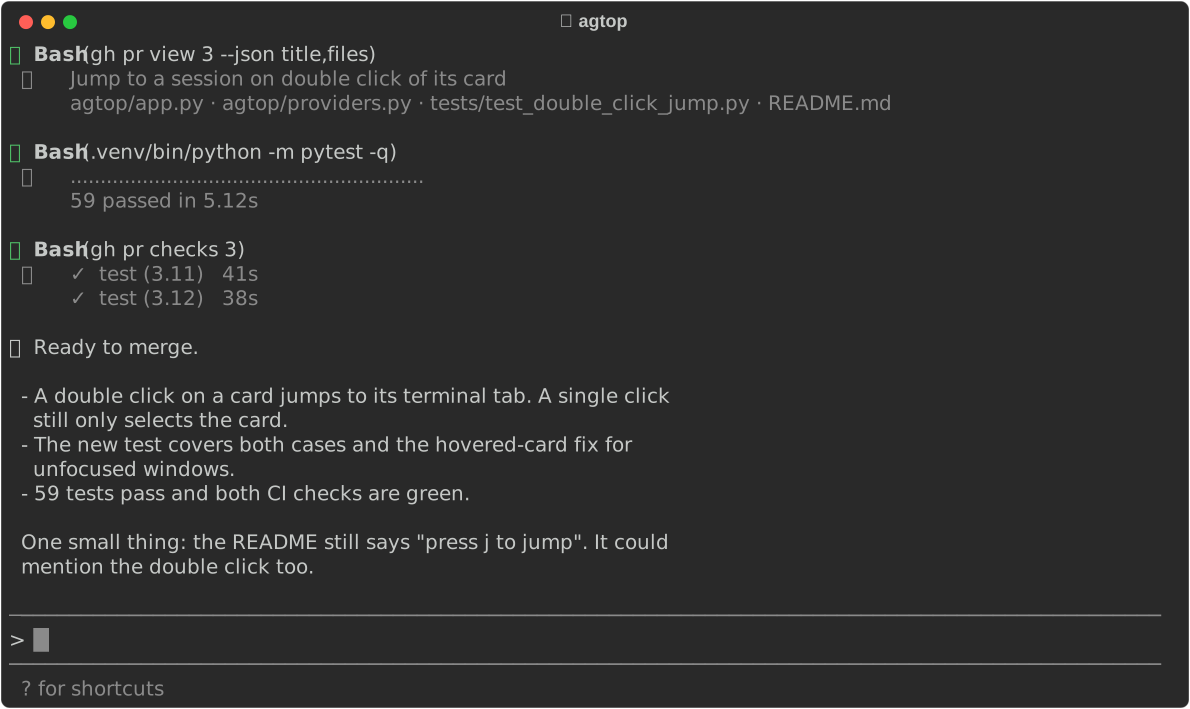
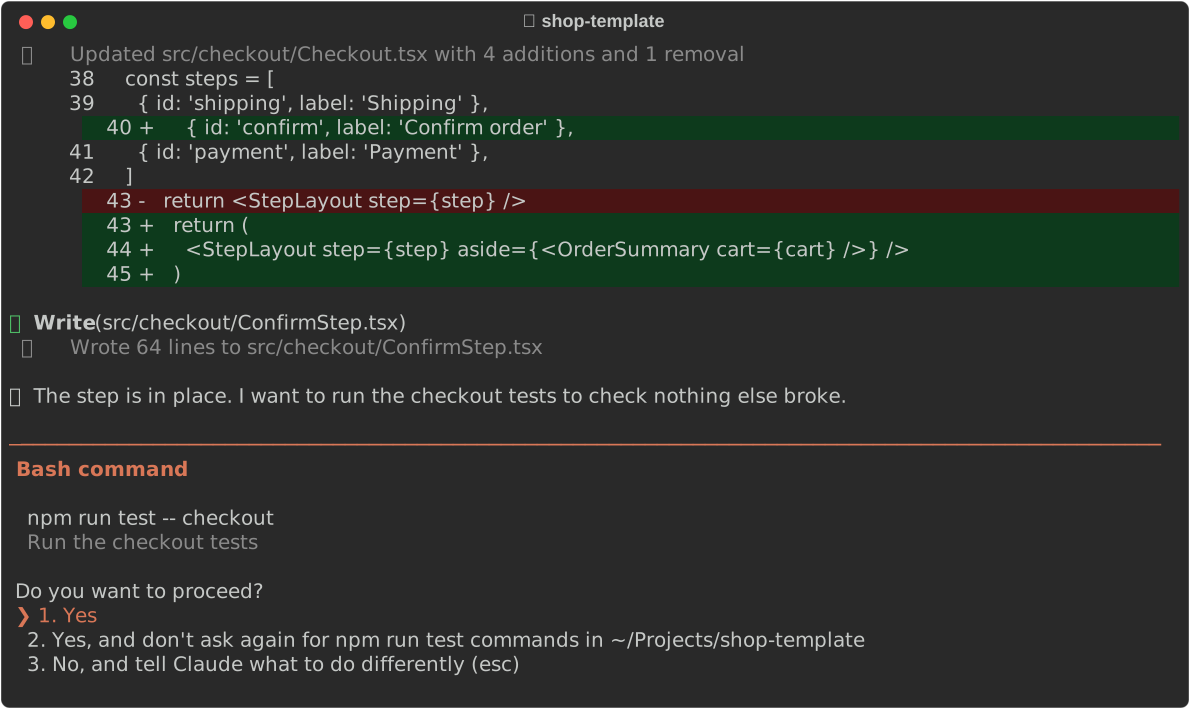
Click a card in agtop on the left. It brings that terminal to the front, shakes it and pulses a glow around it — the same as on my desktop.
01 Context
Six agents, six tabs, one person
I often run six or more Claude Code and Codex sessions at the same time, each in its own Terminal tab. One edits this portfolio, one reviews a plugin, one waits for my permission to run tests.
agtop by lhead is a terminal monitor that lists these sessions and shows what each one is doing. It was the right base, but it was built for a different way of working.
02 Problem
Knowing what happened is not the same as knowing what to do
Three things slowed me down every day:
- A finished session looked the same whether I had read its answer or not
- Finding the right tab among many Terminal windows took longer than the reply itself
- The layout needed a wide window, but my screen belongs to the terminals
03 Approach
Use it all day, fix what gets in the way
I forked agtop and used it for real work while changing it. Every time it made me look twice or click twice, that became the next change. Over two days that added up to 28 small commits, each one tested in the same sessions it was monitoring.
04 Layout
One column next to the terminals
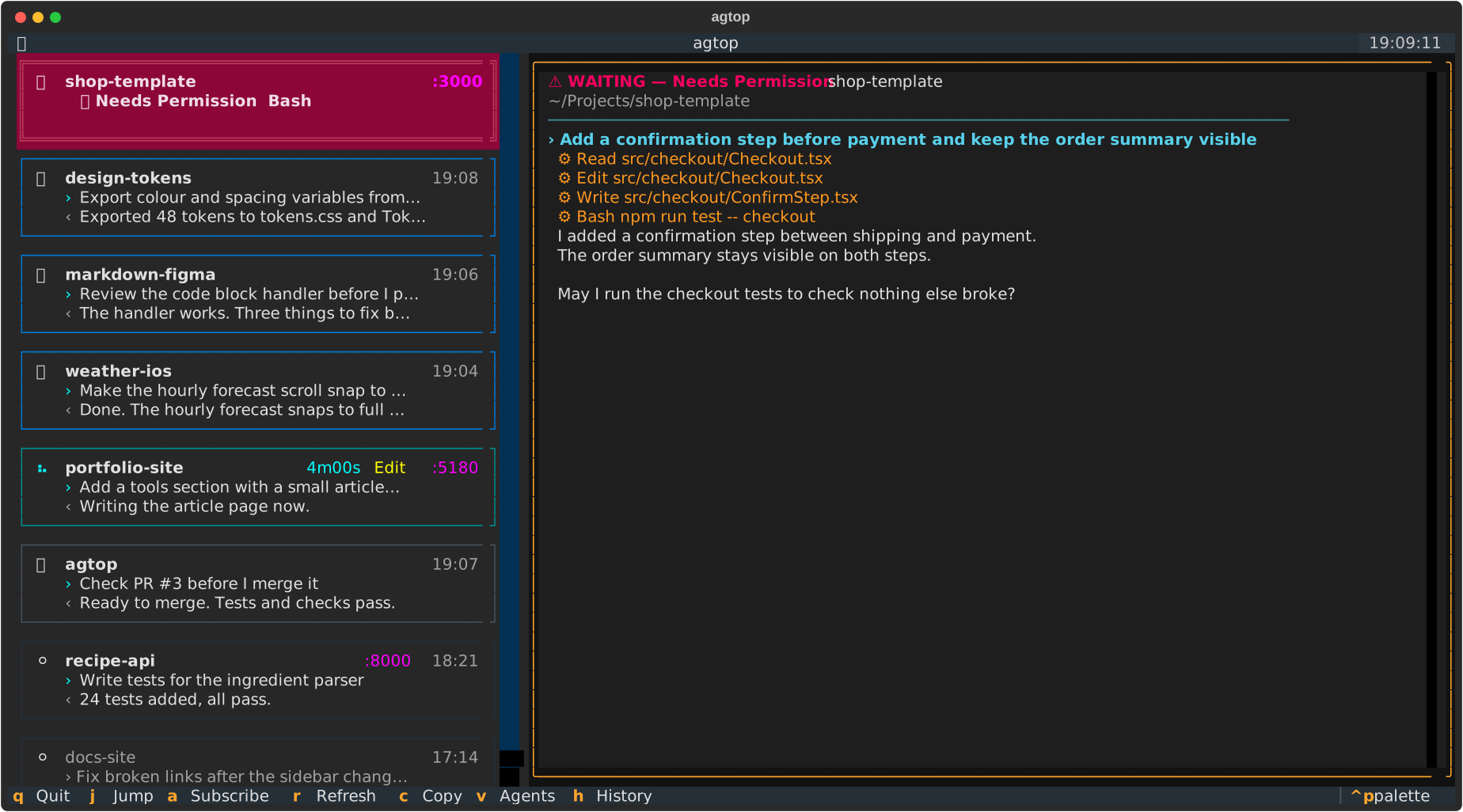
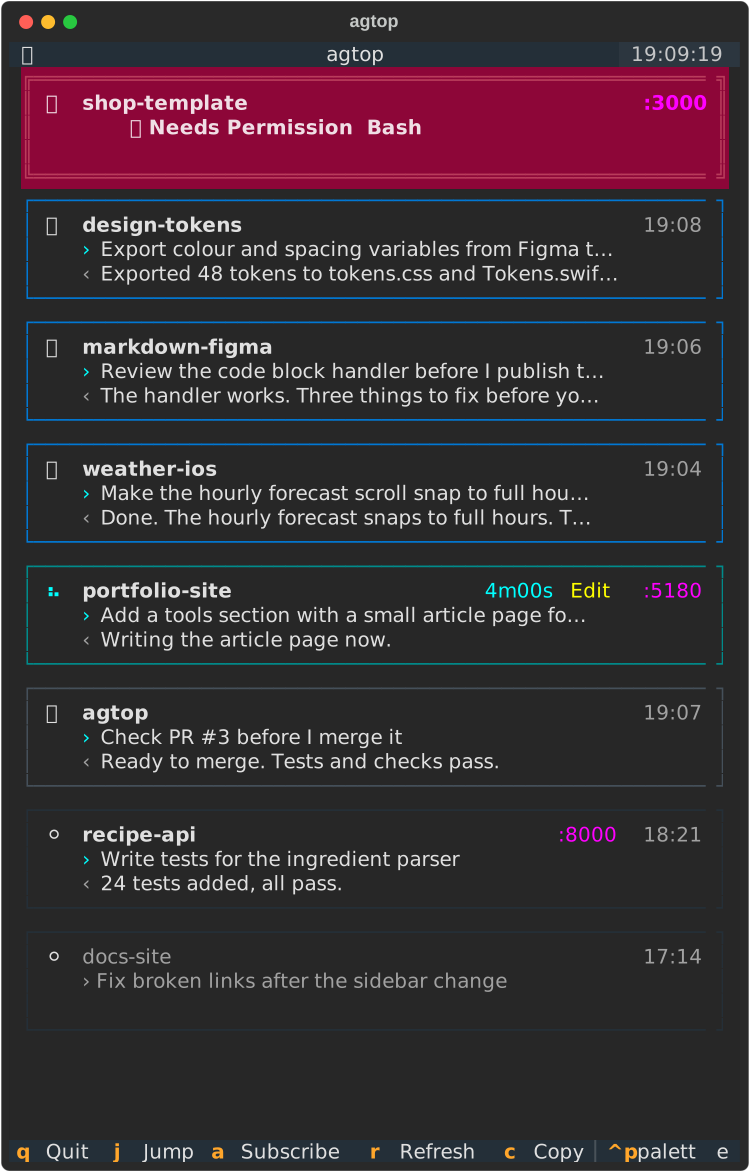
The original layout is a list with a large detail panel. Below 96 columns the detail panel now hides and the cards fill the window, so agtop works as a slim column on the side of the screen.
05 Status
One colour says what to do
Red needs me: a permission prompt or a question. A spinner means the agent is still working. Blue means it finished and I have not looked yet. Green means I looked recently, grey means it has been quiet for five minutes, and a dimmed card is a closed session.
Blue is the change I use most. A session counts as checked only when its tab is in front and I am actually using the keyboard or mouse. A window left in focus while I make coffee stays blue.
06 Details
Small facts on each card
A running card shows how long the turn has taken and the tool it is using. Finished cards show when they finished, so a fresh result stands out from an old one.
Cards also show the ports of dev servers the session started. When five projects run on localhost, :5180 tells me which tab owns the page I am looking at.
07 Jump
Jump to the tab, then find it
A double click on a card brings its Terminal tab to the front. agtop finds the tab through the agent’s TTY with a single Apple Event, so the jump stays quick even with many windows open.
On a busy screen the right window can still be hard to spot. After a jump the window shakes, then a pink glow pulses around it twice. The glow is a small Swift helper that draws outside the window only, so it never covers the text. Try it in the demo at the top of the page.
08 Polish
Small fixes
The rest are details that removed friction in daily use:
- Shortcuts work on a Cyrillic keyboard layout
- A double Ctrl+C quits, as in Claude Code
- Clicks select a card and never select its text
- The card under the mouse is selected when the window gets focus
- Interrupted turns no longer stay “working” forever
- A “[” in a prompt no longer crashes the list
09 Result
A glance instead of a search
agtop now lives in a narrow column next to my terminals. I read colours instead of tabs: red first, then blue, and one double click takes me to the right place.
Next, I want to offer the status and jump changes back to the original project.